
cleaned email mailchimp
Your Guide to Fixing Cleaned Email Mailchimp Lists
Posted on Dec 17, 2025
Ever sent an email campaign in Mailchimp and noticed some of your contacts mysteriously labeled as “cleaned”? It can be a little alarming, especially when you’ve worked hard to build your guest list.
A cleaned email is simply an address that Mailchimp has permanently removed from your active audience because it hard-bounced. Think of it as Mailchimp’s built-in janitor, automatically sweeping away undeliverable addresses to keep your list healthy and protect your all-important sender reputation.
Unpacking the Cleaned Contact Status in Mailchimp
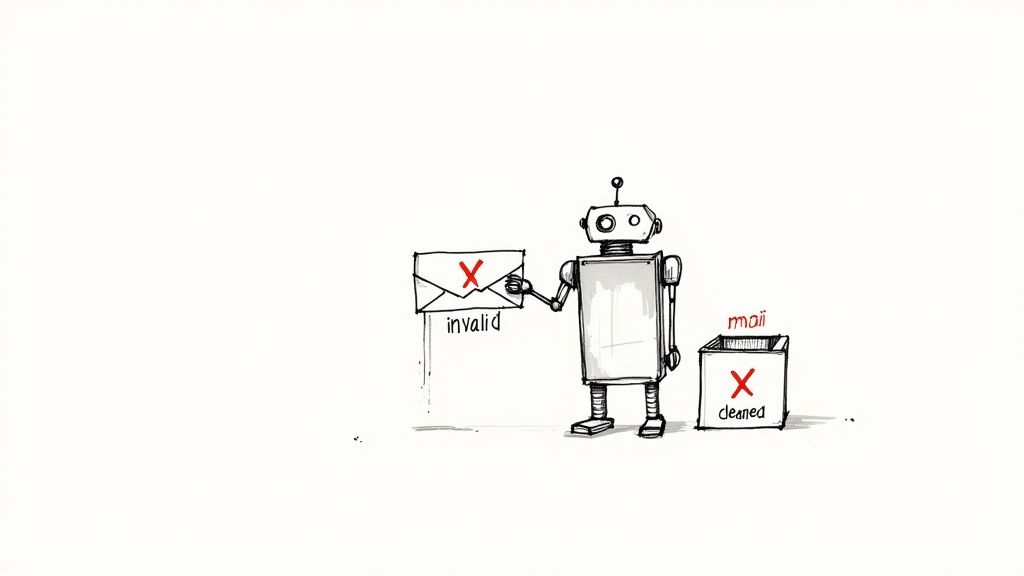
Let's use an analogy. Imagine your email list is a stack of physical letters you're sending to past guests. If a letter comes back stamped "Address Unknown" because the house was demolished, you wouldn't keep sending mail there, right? That’s exactly what a cleaned email is in the digital world—a dead end that Mailchimp wisely stops trying to reach.
This automated cleanup isn't a glitch; it's a critical feature. Its main job is to protect your sender reputation, which is like a credit score for your email marketing efforts. Internet Service Providers (ISPs) like Gmail and Outlook pay close attention to how many of your emails bounce back.
If you have a high bounce rate, they start to think you might be a spammer or are using a really old, crusty list. The result? Your legitimate emails—like booking confirmations and special offers—start getting routed directly to the spam folder. By automatically cleaning out these bad addresses, Mailchimp acts as a gatekeeper, stopping you from repeatedly hitting a wall and wrecking your reputation.
Cleaned vs Unsubscribed vs Archived
It's easy to get these terms mixed up, but they mean very different things for your STR business and how you manage your audience. Getting the distinction right is the first step to smart list management.
Before we dive deeper, let's clear up the confusion between the main types of inactive contacts you'll see in your Mailchimp audience.
Mailchimp Contact Status Explained
| Status | What It Means | Can You Re-add Them? | Impact on Sender Reputation |
|---|---|---|---|
| Cleaned | Mailchimp automatically removed them due to a hard bounce (e.g., a typo, fake email, non-existent server). | No. The address is considered permanently invalid by Mailchimp. | Positive. Cleaning prevents future bounces from this address, protecting your reputation. |
| Unsubscribed | The person actively chose to opt-out of your emails by clicking the "unsubscribe" link. | No. They must re-subscribe themselves through a signup form. It's their choice. | Neutral. Honoring unsubscribes is a legal requirement and good practice. |
| Archived | You manually moved them from your active audience. They're stored but won't get campaigns. | Yes. You can unarchive them at any time to make them active again. | Positive. Archiving unengaged contacts improves your open rates and overall list health. |
Each status serves a distinct purpose in keeping your email list effective and your sender reputation intact.
The key difference really comes down to who’s in the driver’s seat. Unsubscribing is a choice made by your guest. Archiving is a choice made by you. And cleaning is an automatic action taken by Mailchimp after a delivery fails spectacularly.
How Cleaned Contacts Impact Your Business
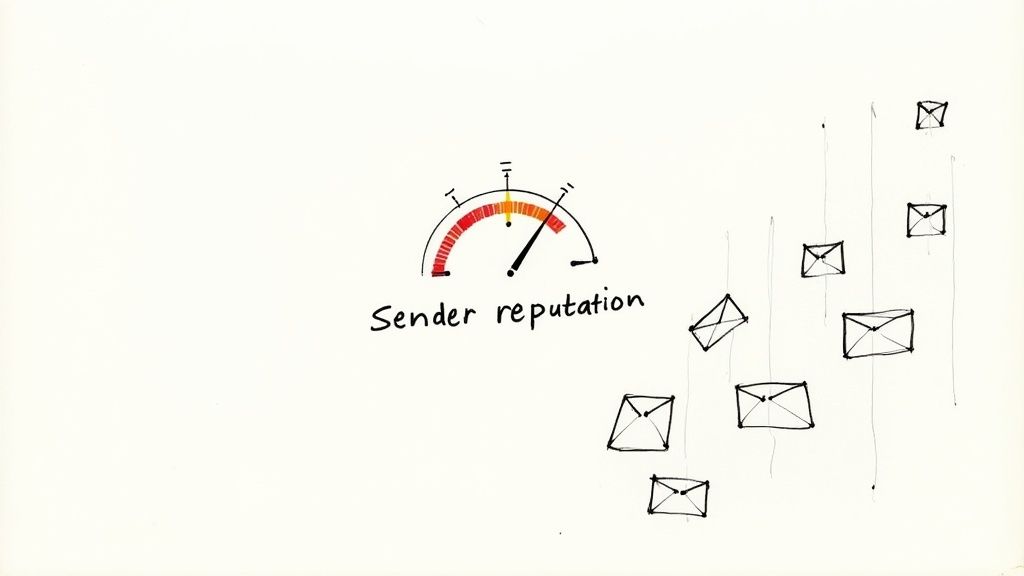
When Mailchimp slaps a "cleaned" label on one of your contacts, it’s doing more than just tidying up your list. It's actually a direct signal about the health of your email marketing and, believe it or not, your bottom line. Think of it as Mailchimp’s built-in defense system for your sender reputation.
Your sender reputation is basically a credit score for your email. Every single time you send a campaign to a bad address, that score takes a small hit. Internet Service Providers (ISPs) like Gmail and Outlook are always watching. They use these signals to figure out if you're a legitimate business or just another spammer clogging up their servers.
For a short-term rental manager, the consequences hit right in the wallet. Poor deliverability means fewer past guests see your promotions for that tricky shoulder season or a last-minute opening. That directly cuts into your re-booking rates and, ultimately, your revenue.
The Financial Cost of a Dirty List
That growing number of cleaned contacts in your Mailchimp dashboard isn't just a statistic. It's a flashing red light, warning you that your email collection and management habits need a serious look. It turns a simple metric into a key indicator of your business's health.
It’s no secret that keeping a clean list boosts deliverability and makes your campaigns more profitable. You’ve probably seen the eye-popping stats that email marketing can return anywhere from $36 to $42 for every $1 spent. But here's the catch: that number assumes your emails are actually landing in the inbox.
Campaigns sent to clean, engaged lists always perform better because more people see them. It's that simple. If you want to dig deeper, Mailchimp’s own solutions page has some great info on how they help maintain high-quality sending practices.
This means a "cleaned" status is both a problem and a protective measure. It stops you from doing more damage to your reputation, but it also shines a light on a lost opportunity to connect with a guest.
From Metric to Warning Sign
At the end of the day, a high number of cleaned contacts is telling you a story about your guest data. It could be pointing to a few common culprits:
- Data Entry Errors: Simple typos from guests or your staff during check-in. It happens.
- Outdated Information: Guests who signed up with an old work email that's been deactivated.
- Ineffective Collection Methods: Using sign-up forms that don't validate emails, letting fake or misspelled addresses slip through.
Think of your cleaned list as diagnostic data. It helps you pinpoint the weak spots in your guest communication workflow. Every cleaned contact is a clue that can help you tighten up your process, making sure your future marketing dollars are spent more effectively.
How to Fix and Recover Cleaned Contacts
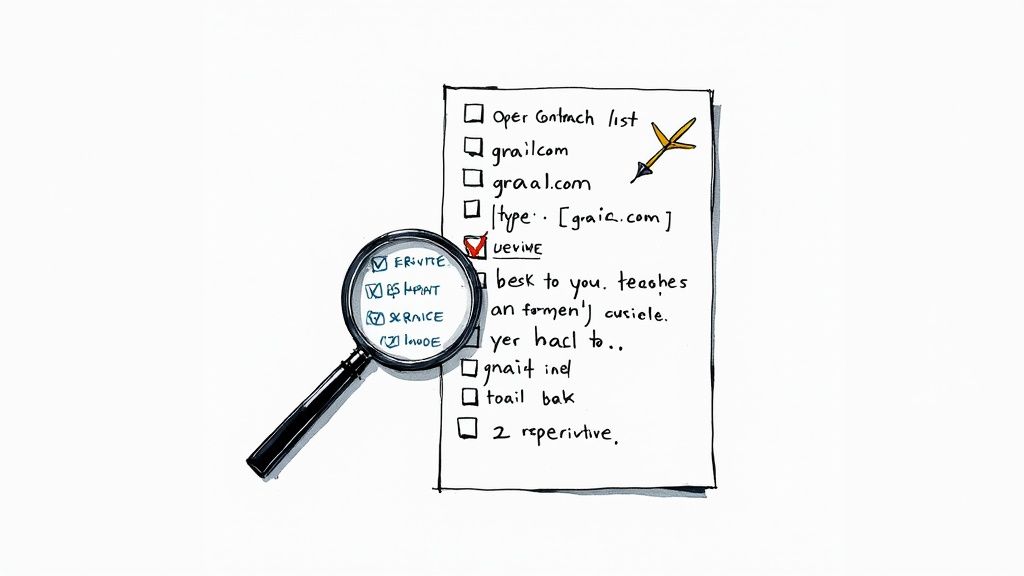
Finding a chunk of your contacts marked as 'cleaned' in Mailchimp can feel like a setback, but it's not a dead end. Think of it as an opportunity—a chance to tidy up your list hygiene and maybe even win back a few valuable guest relationships.
While you can't just click a button to "un-clean" these contacts, there's a safe, methodical way to identify and recover addresses that were flagged because of simple, fixable mistakes.
This hands-on plan will help you manage your cleaned email Mailchimp list without wrecking your sender reputation. But first, the golden rule: never, ever re-import a cleaned list directly back into Mailchimp. Doing that without checking the addresses first is like knowingly sending mail to a vacant lot. It's a surefire way to damage your deliverability.
A Step-by-Step Recovery Process
Ready to dive in? This process breaks down the recovery effort into a few manageable steps. The goal here is to be smart and selective, bringing back only valid, deliverable addresses—not just dumping old data back into the system.
Find and Export Your Cleaned Contacts: First, you need to round them all up. Head into your Mailchimp audience and create a new segment. Set the condition to
Email Marketing Status | is | Cleaned. This will filter your list down to only the contacts Mailchimp has flagged. Once you have your segment, export it as a CSV file.Analyze the Exported List: Now, it's time to play detective. Open that CSV file in Excel or Google Sheets. Your mission is to scan the list for obvious, correctable typos. These are often the low-hanging fruit of list recovery. You'll see things like:
[email protected]instead ofgmail.com[email protected]instead ofyahoo.com[email protected]instead ofoutlook.com
Correct the Obvious Typos: Make a brand-new list and copy over only the email addresses you've manually corrected. This is your "potential recovery" list. Leave the original, unfixable addresses behind.
Crucial Reminder: Even after fixing the typos, don't rush to re-import this list. A typo might have caused the hard bounce, but there could be other issues lurking. Verification is your essential next step.
Verifying and Re-importing Contacts Safely
You've got your list of potentially recoverable emails. Now comes the most critical part: you must use an external email verification tool. These services are designed to check if an email address is valid and can actually receive mail, all without sending a single email. This step is non-negotiable if you want to protect your account standing.
After running your corrected list through a verification service, you'll get back a fresh list of confirmed, deliverable email addresses. This is the only list you should even consider re-adding to Mailchimp. For a deeper dive, check out this a comprehensive guide on how to clean your email list to really get your list health in top shape.
When you import these verified contacts, Mailchimp sees them as new subscribers. This is a great chance to welcome them back properly and restart the conversation. If you need some inspiration, take a look at these engaging newsletter email ideas to help you reconnect with those recovered guests.
By following this careful process, you can turn a list of cleaned contacts from a problem into a source of renewed engagement.
Proactive Strategies to Prevent Cleaned Emails
Fixing a list of cleaned contacts after the fact is one thing, but the real win is building a healthy, high-quality list from day one. It’s all about shifting from a reactive cleanup mindset to a proactive one. This approach saves you a ton of time down the road, protects your sender reputation, and makes sure your marketing dollars are actually reaching real, interested guests.
Instead of waiting for Mailchimp to slap that "cleaned" label on a contact, you can put some simple but powerful safeguards in place. These strategies turn list hygiene into an ongoing, almost automatic practice, not a frantic, periodic emergency.
Think of it this way: the best defense is a strong offense. That means focusing on the quality of every single subscriber from the moment they sign up and keeping that quality high over time.
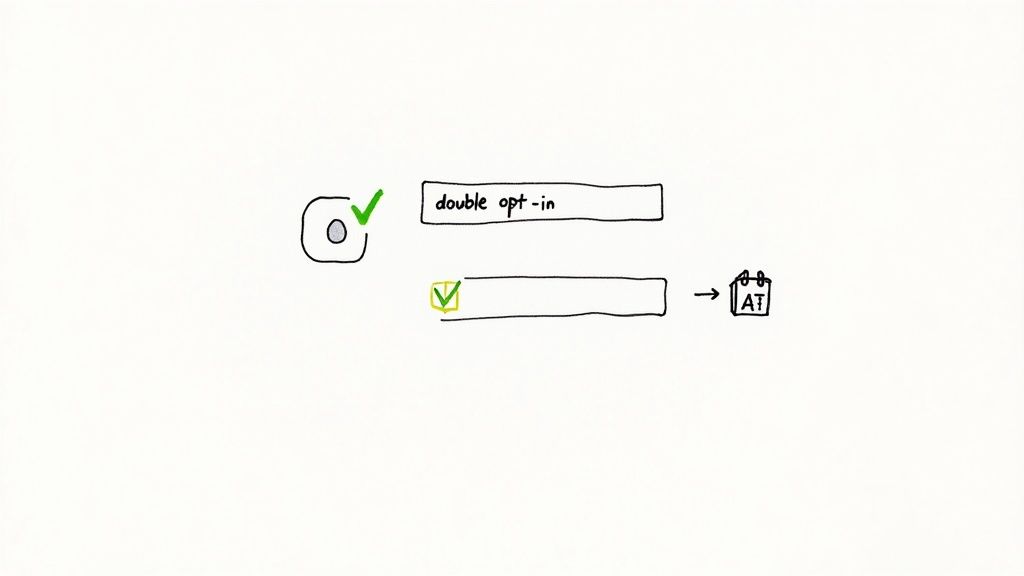
Implement Double Opt-In Immediately
This is the single most effective way to stop bad email addresses from ever poisoning your list. Use double opt-in. It's like a two-step handshake that confirms a new subscriber is real, engaged, and genuinely wants to hear from you.
Here’s the simple flow:
- A potential guest signs up on your website or booking engine form.
- Mailchimp automatically zips them a confirmation email.
- The guest has to click a link in that email to be officially added to your list.
That simple click filters out typos, fake addresses, and spam bots before they can do any harm. It’s your guarantee that every subscriber has a valid, accessible inbox, which will slash your future bounce rate.
Validate Emails at the Point of Collection
Another powerhouse tactic is to use real-time email validation right on your signup forms. This tech acts like an instant spell-checker for email addresses, catching common mistakes the moment a guest makes them.
For instance, if someone accidentally types [email protected], the form can pop up a friendly suggestion: "Did you mean gmail.com?" This prevents a guaranteed hard bounce—and a future cleaned email—before it even happens. To really bulletproof your system, you should explore more advanced strategies to improve data quality across all the tools you use.
Run Regular Re-Engagement Campaigns
Not all list problems come from bad addresses. Some come from subscribers who've simply gone quiet. A guest who hasn't opened one of your emails in over a year is a potential risk; their email address could be deactivated, setting you up for a hard bounce.
To get ahead of this, launch a re-engagement or "win-back" campaign every six to twelve months. You send a targeted email to your inactive subscribers with a compelling reason to stick around—maybe a special discount on their next stay.
Anyone who re-engages is a keeper. Those who don't? You can safely archive them. This little bit of housekeeping cleans your list, boosts your open rates, and improves your overall deliverability.
Proactive vs. Reactive List Management
Building a healthy email list isn't a one-time task; it's an ongoing commitment. The difference between a proactive and reactive approach can be the difference between a thriving email channel and one that constantly struggles. A proactive strategy focuses on prevention and quality from the start, while a reactive one is stuck in a cycle of damage control.
Here’s a look at how these two mindsets stack up:
| Strategy | Proactive Approach (Best Practice) | Reactive Approach (High Risk) |
|---|---|---|
| New Subscribers | Uses double opt-in and real-time validation to ensure quality at entry. | Allows single opt-in, accepting typos, fakes, and bot signups. |
| List Hygiene | Regularly archives inactive subscribers through re-engagement campaigns. | Waits for high bounce rates and spam complaints before acting. |
| Sender Reputation | Consistently maintains a high sender score, ensuring good deliverability. | Risks damaging sender reputation, leading to emails landing in spam. |
| Campaign ROI | Achieves higher open/click rates and more bookings from an engaged list. | Wastes marketing spend sending emails to invalid or uninterested contacts. |
| Long-Term Health | Builds a sustainable, valuable marketing asset for the business. | Faces a shrinking, ineffective list that requires constant, costly cleanup. |
Ultimately, the goal is to spend your time engaging with potential guests, not fighting with your email platform. A proactive approach makes that possible.
Proactively cleaning your list isn't just about avoiding penalties; it's about maximizing results. When you maintain a high-quality list, your engagement metrics naturally improve, leading to better campaign performance and higher ROI.
The numbers don't lie. Industry reports consistently show that automated emails sent to clean, well-managed lists get far higher engagement. Open rates can jump from the typical 20-25% range to over 42%, with click rates getting a similar lift. For property managers, this translates directly to more bookings and revenue.
A healthy list is the foundation of any successful email strategy. By making these proactive measures part of your routine, you ensure your messages are not only delivered but are also landing in front of an audience that is genuinely excited to book with you. If you want to take your targeting to the next level, check out our guide on how to segment email lists.
Automating Your Mailchimp List Hygiene
Let's be honest, as a busy short-term rental manager, you don't have time to manually export, verify, and re-import your contact lists. That's just not going to happen long-term. The real magic happens when you put your list hygiene on autopilot. This is how you turn a tedious, mind-numbing chore into a slick background process that’s always working to protect your sender reputation.
By connecting your Property Management System (PMS) or booking platform directly with Mailchimp, you create a powerful, self-maintaining marketing machine. This simple integration ensures every new guest who agrees to marketing gets added to your list automatically. Right away, you're killing off the manual data entry mistakes that so often lead to a cleaned email in Mailchimp.
Building a Self-Cleaning System
Picture this: a new guest books a stay, and their information flows directly from your booking engine into a perfectly organized Mailchimp audience. This isn't some far-off dream; it's what happens when you get your integrations right.
Tools built specifically for hosts are designed to handle this heavy lifting. They can:
- Automatically add new guests to your list (with their consent, of course).
- Update a guest's contact details if they change their email.
- Segment subscribers based on their booking history—think "guests who stayed at the cabin" vs. "guests who stayed at the beach house."
This level of automation means you're not just working with up-to-date data; you're working with smarter data. It lets you send incredibly relevant emails. Someone who stayed at your mountain cabin gets a different offer than the person who booked your beach condo. That kind of personalization naturally drives up engagement and keeps your list in great shape. For a deeper dive, check out our guide on what email marketing automation is and how it can totally change your business.
By automating data entry and segmentation, you're not just saving time. You're building a smarter, more effective marketing machine that inherently reduces the risk of bounces and improves your overall campaign performance.
A clean, automated list is more critical than ever, especially when you consider the sheer volume of email flying around. With daily email traffic expected to blow past 400 billion messages, inbox providers have gotten way stricter. They're leaning heavily on engagement signals to filter out the noise.
This is a massive scale game. Platforms like Mailchimp handle billions of emails for over 11 million customers, meaning even tiny improvements in your deliverability make a huge difference. Industry data shows that automated messages—which rely on accurate data—can generate around 37% of email-driven revenue from a tiny slice of total sends. Given email’s incredible ROI, the case for automating your list hygiene is a slam dunk. You can find more of these email marketing statistics at Inboxally.
Your Top Questions About Cleaned Mailchimp Contacts, Answered
Once you get the hang of managing your Mailchimp audience, a few specific questions about cleaned contacts always seem to bubble up. Think of this as your go-to guide for those nagging uncertainties. Nailing these details will give you the confidence to manage your list hygiene like a pro.
Let’s tackle the most common questions STR managers have after wrapping their heads around the cleaned email Mailchimp status.
Can You Email a Cleaned Contact Again?
The short answer is a hard no—at least, not without a little legwork first. A "cleaned" status is Mailchimp's way of putting a permanent red flag on an address it knows is undeliverable. Trying to just add it back to your list is a waste of time and, worse, a fast way to tank your sender reputation.
But there's a workaround. If you've followed the recovery steps we talked about earlier—exporting the list, spotting and fixing an obvious typo (like changing gnail.com to gmail.com), and then running it through a verification tool—you can re-import the corrected and verified address. Mailchimp sees it as a fresh, new subscriber, and you're back in business.
Think of it like a letter that gets returned to sender. You can't just stuff it back in the mailbox and hope for the best. You have to fix the address on the envelope before you can try sending it again.
Does Mailchimp Charge You for Cleaned Contacts?
Nope! Mailchimp is smart about this. They don't include cleaned contacts in your billable audience count. Your monthly plan is based on the number of subscribed contacts—the actual people you can send marketing emails to.
Once an email address gets tagged as cleaned, it's immediately shifted out of your active, subscribed audience. It's the same way Mailchimp handles contacts who unsubscribe or are archived. While you can still see the data for these contacts in your account, they won’t count against your plan's limits.
This is another reason Mailchimp's automated cleaning process is actually your friend. It stops you from paying for contacts you can't even reach, making sure every dollar of your marketing spend goes toward guests who might actually book with you again.
How Often Should You Clean Your Email List?
While Mailchimp’s automatic cleaning is great for handling hard bounces, proactive list hygiene is a marathon, not a sprint. For a busy STR manager, building a simple, repeatable routine is the real secret to preventing contacts from getting cleaned in the first place.
Here’s a practical schedule that works:
- Quarterly (Every 3 Months): Carve out an hour to export your entire audience and run it through an email verification service. This is your chance to catch emails that have gone bad since a guest first subscribed.
- Annually (Every 12 Months): Kick off a re-engagement campaign aimed at subscribers who haven't opened one of your emails in the last year. If they don't bite, you can confidently archive them, keeping your list lean, active, and effective.
This kind of regular maintenance turns your email list into a high-quality asset that boosts deliverability and, most importantly, drives more direct bookings for your properties.
Ready to put your list hygiene on autopilot? hostAI integrates directly with your booking platforms to build and maintain a clean, segmented, and highly engaged guest list automatically. Stop worrying about cleaned contacts and start converting past guests into repeat bookers. Discover how hostMail can transform your email marketing.