
check website in all browsers
How to Check Website in All Browsers and Secure More Bookings
Posted on Jan 22, 2026
Before we dive into the nuts and bolts of testing, let's get one thing straight: you need to check your website in all major browsers. This means taking it for a spin on popular choices like Chrome, Safari, and Edge, looking at both how it appears and how it functions. The best way to tackle this is with a smart mix of manual checks and automated tools. Why? Because every single user needs a consistent, bug-free experience, and a broken "Book Now" button on one browser is a direct hit to your revenue.
Why a Flawless Browser Experience Is Non-Negotiable
Picture this: a potential guest finds your gorgeous rental property. They’re sold on the photos and are itching to book their stay, but the booking calendar is completely busted on their Safari browser. Frustrated, they bounce. Within minutes, they've booked with your competitor. This isn't just a tiny technical glitch; it's a direct shot to your bottom line.
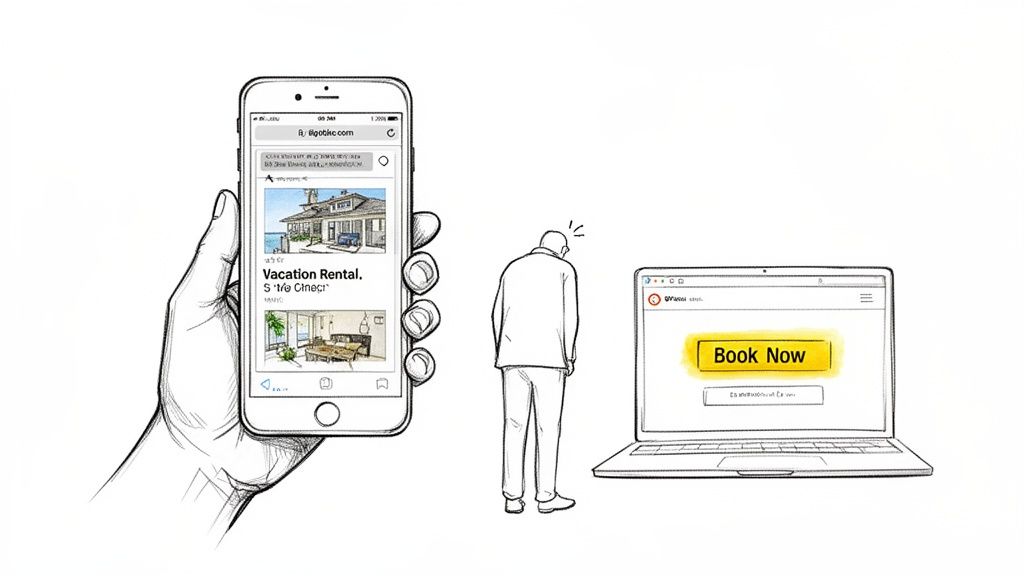
In the high-stakes world of vacation rentals, trust is the currency. A guest is about to hand over a significant amount of money on your site. A janky layout, a missing image, or a button that goes nowhere instantly shatters that trust. It makes your entire operation look amateur and unreliable, sending them running back to the perceived safety of an OTA.
The Financial Impact of Browser Blind Spots
If you're ignoring how your site looks on different browsers, you're just leaving money on the table. Sure, Google Chrome is the big player, with a whopping 69.4% of the global market share. But Safari isn't far behind with 13.3%, Edge holds 4.9%, and Firefox has 2.9%. For a property manager, skipping tests on these other platforms means you could be turning away over 30% of your potential guests.
This isn't some tiny fringe group. These are valuable customers using different devices and operating systems, and they all expect a smooth ride. The entire point of a direct booking site is to create a seamless path from discovery to payment, and solid https://gethostai.com/blog/vacation-rental-web-design is the backbone of that journey.
A single bad website experience is enough for over 40% of people to leave and never come back. For a vacation rental business, that's not just a statistic—it's lost bookings and a tarnished reputation.
Building Trust Through Consistency
At the end of the day, a consistent user experience isn't just a "nice-to-have"; it's a core business strategy. It screams professionalism and reassures guests that their booking is in good hands.
This dedication to a seamless user journey becomes even more critical when you're creating a website app with React and Expo, where performance has to be flawless across a huge range of browser environments. Proactive testing protects your brand, maximizes your direct booking potential, and makes sure your beautiful property looks perfect to every single visitor, no matter how they find you.
Creating Your Browser Testing Game Plan
Before you start clicking around and testing your website on a dozen different browsers, let's pump the brakes. A scattergun approach is a surefire way to waste time and still miss the bugs that are costing you money.
The goal isn't to achieve pixel-perfect design on every obscure browser from 2010. It’s about making sure the path to booking is rock-solid for the overwhelming majority of your potential guests. That means you need a real strategy—one that focuses your effort where it counts the most.
Identify Your Target Browsers
First things first: you need to know which browsers your guests are actually using. The best place to find this out is your own website's analytics.
If your data shows that 70% of your bookings come from guests using Safari on an iPhone, congratulations—you've just found your top testing priority. Don't just rely on generic global stats; your specific audience is what matters.
No data yet? No problem. If you're just starting out, you can make some smart assumptions based on the travel industry. You can't test everything, so you need to prioritize. This is where a tiered approach comes in handy.
Essential Browser Testing Tiers for Vacation Rental Websites
This table helps you prioritize your testing efforts by categorizing browsers based on market share and relevance to the travel industry.
| Priority Tier | Browsers to Test | Why It Matters for Your STR Business |
|---|---|---|
| Tier 1 (Flawless) | Latest versions of Chrome (desktop/Android) and Safari (desktop/iOS). | These two cover the vast majority of your potential guests. Any glitch here, visual or functional, is a direct hit to your revenue. |
| Tier 2 (Functional) | Latest versions of Microsoft Edge and Mozilla Firefox. | These browsers still hold a significant user base. Your site doesn't have to be picture-perfect, but core functions must work. |
This tiered system isn't about ignoring certain browsers; it's about allocating your time wisely. Your site absolutely must be flawless on Tier 1. For Tier 2, the goal is solid functionality—guests should be able to book without hitting a wall.
Remember, the goal is practical, not perfect. Focus your energy on the browsers your highest-value guests are most likely using to view your property and complete a booking.
Map the Critical Guest Journey
Next, you need to map out the exact steps a guest takes to go from browsing to booking. Forget about testing every single page on your site. Instead, laser-focus on the high-impact interactions that directly lead to a sale.
Think of it as a checklist for your revenue stream. These are the non-negotiables:
- Property Search and Filtering: Can a visitor easily search for dates and filter by must-have amenities like a hot tub or pet-friendly options? If the search is broken, you've lost them before they've even seen your properties.
- Photo Gallery and Property Details: This is where the magic happens. Do your gorgeous, high-resolution photos load quickly and display correctly? Are the property descriptions and amenity lists easy to read? This is what gets guests to fall in love.
- Booking Calendar and Pricing: On a phone, can a guest tap dates on the calendar without fumbling? Is your dynamic pricing showing up correctly without overlapping text or weird layout bugs?
- Checkout and Payment Form: This is the final boss. Every single field, button, and payment option has to work perfectly. Any friction here—a button that doesn't click, a confusing error message—is an abandoned cart.
By building your game plan around these core guest interactions, you shift from aimless checking to a targeted, strategic workflow. You’re no longer just testing a website; you’re actively protecting the booking engine that powers your business. This focused approach makes the whole process less overwhelming and a whole lot more effective.
How to Manually Test Your Most Important Pages
Automated tools are fantastic time-savers, but they can’t catch everything. Some of the most frustrating bugs—the kind that make a potential guest give up and leave your site for good—are only visible to the human eye. This is where manual testing becomes your secret weapon to check your website in all browsers where it truly counts.
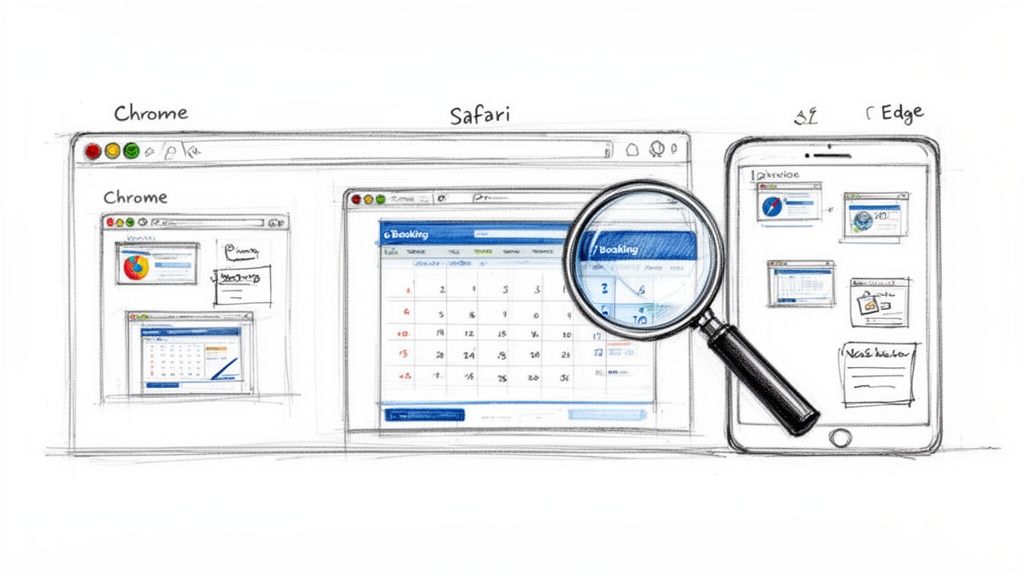
Manual testing isn't about aimlessly clicking through your entire site. That’s a recipe for wasted time. Instead, it’s a focused, strategic process centered on your most critical, money-making pages. Think of it like a final walkthrough of a property before a guest arrives; you're looking for anything that feels off, inconvenient, or just plain broken.
A Real-World Manual Testing Scenario
Let’s say you’ve just launched a new luxury beachfront villa on your site. The photos are stunning, the description is perfect, and you're ready for bookings. Your goal now is to make sure the booking experience is flawless on the top three browsers: Chrome, Safari, and Edge.
A proper manual check goes way beyond just seeing if the page loads. You need to actively try to break it by interacting with it like a real, sometimes impatient, user.
Here’s a practical checklist for this scenario:
- Hero Image & Gallery: Does that gorgeous hero image pop up instantly, or does it lag and kill the first impression? On Safari, can you swipe through the photo gallery smoothly on a trackpad, or is the interaction clunky and frustrating?
- Booking Calendar: Try selecting dates on Edge's mobile view. Is it easy to tap? Now, what happens if you try to book an unavailable date—is the error message clear and genuinely helpful, or is it confusing?
- Contact & Inquiry Forms: Go ahead and fill out the inquiry form. Do all the fields work as expected? A misaligned text box that’s hard to click on a mobile browser is a classic conversion killer.
The goal of manual testing isn't just to find broken pages. It's to uncover sources of user friction—the small annoyances that add up and push a potential guest to book with a competitor.
By focusing your energy on these high-stakes interactions, you’re not just debugging. You're actively working to improve website conversion rates.
Documenting Bugs for a Fast Fix
Finding an issue is only half the battle. If you want it fixed quickly, you need to document it clearly. A vague report like "the calendar is broken on Safari" is not helpful and will just lead to back-and-forth emails.
A good bug report includes three key things:
- Clear Screenshots or a Screen Recording: A picture is worth a thousand words. Use your computer’s built-in tools (like Screenshot on Mac or Snipping Tool on Windows) to capture exactly what you see.
- Specific Browser and Device: Note the exact browser version (e.g., Safari 17.1) and the device you used (e.g., MacBook Pro M2). This detail is crucial.
- Step-by-Step Replication: Write down the exact steps you took to make the bug appear. For example: "1. Opened the villa page in Safari. 2. Clicked the 'Book Now' button. 3. The calendar pop-up appeared, but the dates were completely unclickable."
This level of detail makes it incredibly easy for you or your developer to understand the problem, replicate it, and get it fixed fast. This focused, manual approach ensures the parts of your site that handle bookings are intuitive and frustration-free for every potential guest, no matter which browser they're using.
Using Automation to Find Bugs You Would Miss
Manual testing is great for catching obvious user experience flaws, but let's be realistic: you can't possibly check every single page of your website on every browser. It’s just not feasible, especially when your site has dozens, maybe even hundreds, of property listings and pages.
This is where automated tools become your secret weapon. They act like a team of tireless assistants who can check your website in all browsers at the same time.
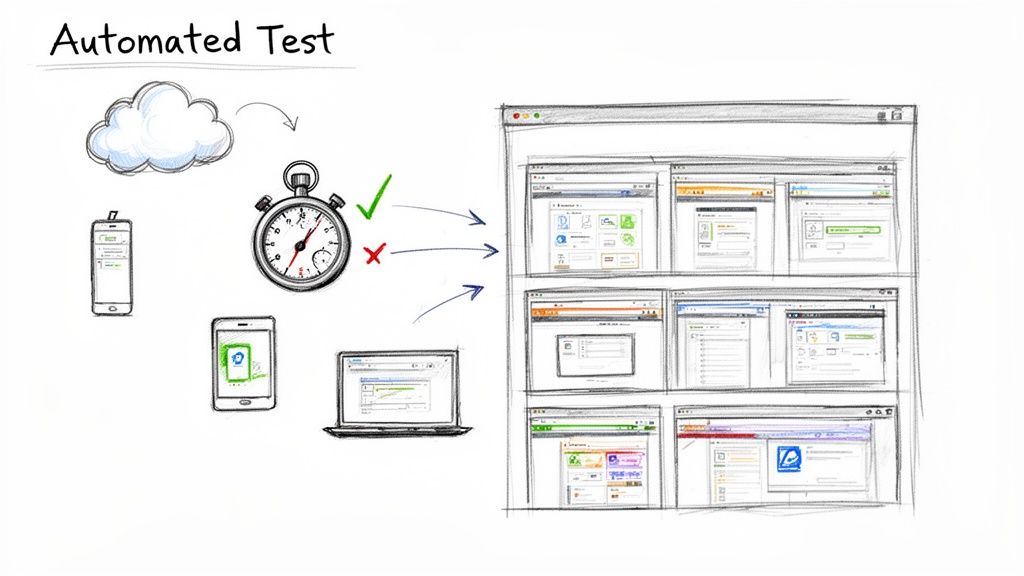
You don't need to be a developer to make this work. Platforms like BrowserStack or LambdaTest are built for this. In minutes, they can automatically capture screenshots of your key pages across a huge grid of browser, operating system, and device combinations. For catching visual bugs you’d otherwise never see, this is a game-changer.
Setting Up Your First Visual Test
Getting started is way simpler than you might think. You just give the tool a list of your most important URLs—think your homepage, a popular property listing, and the checkout page—and tell it which browsers to test. The service then spins up real or virtual devices, "visits" your pages, and spits back a gallery of screenshots.
It's basically an instant visual audit. You can scan everything in minutes and spot glaring errors:
- Is your main headline wrapping awkwardly on Firefox for Windows?
- Is the "Book Now" button getting cut off on an older version of Safari?
- Are property images overlapping the description on a specific Android phone?
What used to be hours of mind-numbing manual clicks now becomes a quick, five-minute review. It's an incredibly efficient way to make sure your brand looks polished and professional every time you add a new property or push a site update.
Why Automation Is Critical for Your Bottom Line
Broken layouts and glitchy features aren't just minor annoyances; they're direct threats to your revenue. Cross-browser issues are a huge reason for high bounce rates. When a site feels clunky or unreliable, people leave. Fast.
Your site might look perfect in Chrome, but it could be a mess in Safari. That's a massive problem when you realize that while Chrome holds a 63% market share, browsers like Safari, Edge, and Firefox still account for over 30% of all users. If you operate in a market with a heavy mix of iOS and Android users, you could be alienating half your audience without even knowing it.
An automated testing platform is your digital quality control. It finds the visual bugs caused by different browser rendering engines before your potential guests do, protecting your reputation and your booking pipeline.
By integrating these tools, you can quickly see which browsers are causing the most visual headaches. That data is gold. It helps you focus your development resources where they’re actually needed.
You can even take it a step further. Connect this information with your website's analytics to see if a high bounce rate on a certain browser corresponds with a visual bug you've found. For a deeper dive into visitor behavior, check out our guide on how to analyze website traffic. This strategic approach ensures your marketing dollars aren't being wasted on a broken guest experience.
Solving the Most Common Browser-Specific Glitches
Spotting a bug is one thing, but figuring out how to squash it is a whole different ballgame. As you start checking your vacation rental website across different browsers, you’re going to find glitches. Things will look perfect in one environment and completely broken in another.
Don't panic—this isn't a sign you did something wrong. It's just the reality of the web. Every browser interprets code in its own slightly different way.
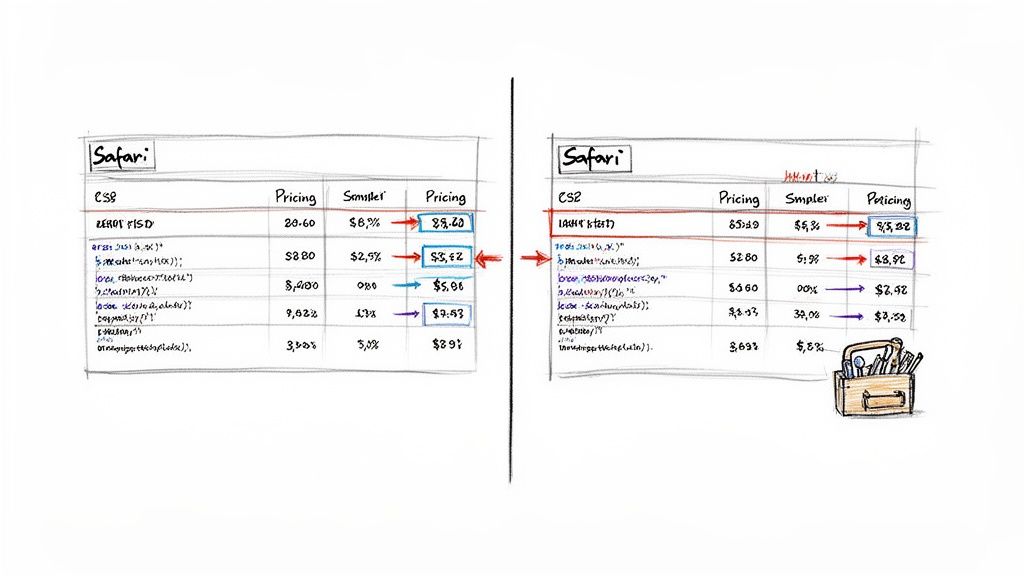
I like to think of it like regional dialects. Chrome, Safari, and Firefox all "speak" HTML and CSS, but each has its own accent and local slang. Your job is to act as the translator, ensuring your message—your stunning property photos and seamless booking flow—is perfectly understood by everyone, no matter their browser of choice.
Diagnosing Common CSS Headaches
Visual bugs are usually the first ones you'll notice. Maybe that pricing table you spent hours designing looks fantastic in Chrome, but the columns are a jumbled mess in Safari. Or perhaps the elegant font you picked renders great on a Windows PC in Edge but looks clunky and cheap on a MacBook.
Nine times out of ten, these problems are rooted in CSS. Here are a few usual suspects I always check first:
- Weird Spacing or Alignment: This often happens when a browser's default styling clashes with your own. The first thing I always do is add a CSS reset to the top of my stylesheet. This little bit of code neutralizes all the default margins and padding, giving you a clean, consistent canvas to work from across all browsers.
- Missing Vendor Prefixes: Sometimes, newer and cooler CSS features need a special "prefix" to work correctly in certain browsers. For example, a slick animation might need
-webkit-for Safari and Chrome or-moz-for Firefox to run. Most modern development tools handle this for you, but it’s a lifesaver to know about when a feature mysteriously fails on one browser. - Font Rendering Nightmares: How text looks can vary wildly between operating systems. To keep things consistent, either stick to web-safe fonts or, even better, host your own using a service like Google Fonts. This tells the browser to load the exact font file you specified, not just grab the closest thing it has on the user's system.
Tackling Tricky JavaScript Errors
Functional bugs are way more devious because they can stop a booking dead in its tracks. A guest clicks "Book Now," and... nothing. Or an interactive map of local hotspots just shows up as a big, frustrating blank box in Firefox.
When this happens, JavaScript is almost always the culprit.
Your interactive elements—booking calendars, payment forms, photo galleries—are the lifeblood of your direct booking site. A single JavaScript error that only shows up on Safari could be costing you thousands in lost revenue, and you might never even know it.
One of the most common issues I've seen is when a developer uses a shiny new JavaScript feature that works perfectly in the latest version of Chrome but is totally foreign to a slightly older version of Edge that a potential guest is using.
The fix for this usually involves tools called transpilers (the most popular one is Babel). These tools are fantastic; they automatically convert your modern JavaScript into an older, more universally understood version. It’s like translating a complex document into simple, plain language that every browser can comprehend.
Taking this proactive step turns unpredictable bug hunting into a much more manageable and predictable part of the process.
Frequently Asked Questions About Browser Testing
Working through browser testing often feels like solving a puzzle. As a vacation rental manager with a packed schedule, you need straightforward answers—no jargon, no fluff. Here’s a go-to list of the questions I tackle most often.
How Often Should I Test My Vacation Rental Website
Whenever you roll out a major change—think a site redesign, swapping in a new payment provider, or upgrading your booking engine—run a full check. It’s like flipping the “Open for Business” sign back on after a makeover.
Between big updates, carve out time for a quarterly health check on your main booking journey: the homepage, search results, a sample property page, and the checkout flow. Browsers silently update behind the scenes, so what was rock-solid last month might misfire today. These regular tune-ups keep your booking funnel humming.
Is Testing On Mobile Browsers Really That Important
Yes. Guests rarely stick to one device. They might browse listings on a desktop at work, then finish booking on an iPhone by the pool.
Mobile browsers like Safari on iOS and Chrome on Android represent over half of all travel traffic. Skipping them means missing out on a huge slice of bookings. Prioritize these platforms—you’ll catch frustrated visitors before they bounce.
Responsive layouts solve the screen size problem, not the browser translation one. A button can look perfect on a phone but still refuse to respond in Safari.
My Website Has A Responsive Design, Isn’t That Enough
Responsive design adapts to different screen dimensions, but it doesn’t guarantee that every browser interprets your code the same way. Chrome’s Blink engine and Safari’s WebKit may render identical HTML/CSS with small quirks.
In practice, you could see perfect layouts but broken elements—like a payment button or a calendar widget—on certain browsers. True cross-browser testing is the only way to catch these sneaky discrepancies.
What Are The Most Critical Website Features To Test
When time is tight, zero in on the areas that directly affect your bottom line. Any hiccup here equals lost bookings.
Here’s what I check first:
- Search and Filtering – Ensure guests can refine dates and amenities without glitches.
- Property Details Page – Verify image galleries, booking calendars, and descriptions load flawlessly.
- Dynamic Pricing Displays – Confirm rates update correctly and remain crystal clear.
- Checkout and Payment Flow – From entering guest info to hitting “Confirm,” the path must be seamless.
Every guest deserves a flawless experience, no matter their device or browser. hostAI builds websites with best practices baked in, so yours look sharp and function reliably across the board. Secure more direct bookings today